



Every device in the house now wants a piece of your wifi — smart TVs, laptops, doorbells, thermostats, the lot. Wifi copes with this reasonably well until it doesn't, and the moment it doesn't is usually a Zoom call dropping out or a stream buffering right when you don't want it to.
Why cable still wins
Wifi is shared bandwidth — every device on it is taking turns, even when it feels instant. A cabled connection isn't sharing anything; it's a dedicated line straight to the router. For anything that matters — a home office desk, a smart TV, a games console — that difference is the gap between "fine most of the time" and "never drops."
Where it actually helps
The most common ask we get is a home office that needs a rock-solid connection regardless of what the kids are streaming elsewhere in the house. Second most common: garden rooms and outbuildings, where wifi signal from the main house often doesn't reach reliably at all — running a cable out solves that properly rather than relying on extenders and boosters that half-work.
We can also add extra wireless access points where a single router just isn't reaching every corner of a bigger or older property with thick internal walls.
What's involved
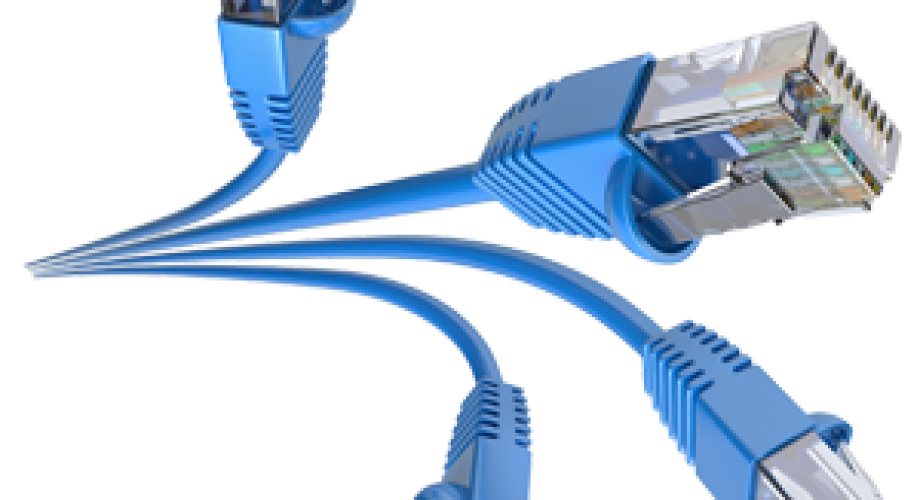
We run Cat6 cabling from wherever you want the connection back to a central point (usually near the router or a small patch panel), terminate it properly, and test each run for a clean connection before we leave. Cable can go under floors, through lofts, or surface-mounted neatly where that's the only sensible route — we'll talk through what's realistic for your property before starting anything.
If your home office connection keeps dropping at the wrong moment, or your garden room's wifi is a lost cause, get in touch and we'll talk through what a couple of cabled points would look like.